
Account registration and trial access
Users register with email verification so account recovery and identity management are more reliable. Trial access can be used where available, with clear limits on data recovery and transfer.
How cMe works
Create a group, invite members, choose how sharing works, and see the people you care about on the map. cMe also supports route history, group chat, member status, and background location updates when permissions are enabled.
Feature detail
The features below reflect the current cMe product model: private groups, GPS sharing, configurable settings, and subscription-based capacity for heavier use.
Users register with email verification so account recovery and identity management are more reliable. Trial access can be used where available, with clear limits on data recovery and transfer.

Choose family, friend, special interest, or temporary groups. Temporary groups are ideal for short activities, while family groups are designed for close family location sharing.

Members join groups using valid invite codes. This keeps sharing intentional and helps administrators control who can participate.

Save important places such as home, school, or work. Combined with a privacy radius, preset addresses help reduce exposure of exact locations outside the groups where full detail is appropriate.

Group administrators can manage members, assign administrators, and disband groups. Members can leave groups and control whether they share current or historical location data.

Public group messages help everyone in the group coordinate around shared plans, routes, and decisions without switching tools.

cMe records location history when sharing is enabled. Users can review route segments and timestamps. Free users have limited history access, while VIP users can access up to 15 days.

Users can zoom into the map and tap route markers to inspect movement details and timestamps when they need a closer look.

Avatar mode shows each member's avatar, group nickname, real-time location, battery level, and current speed, giving the group a clearer shared view.

Orientation mode shows each member's nickname, location, speed, and movement direction, helping the group understand how everyone is moving.
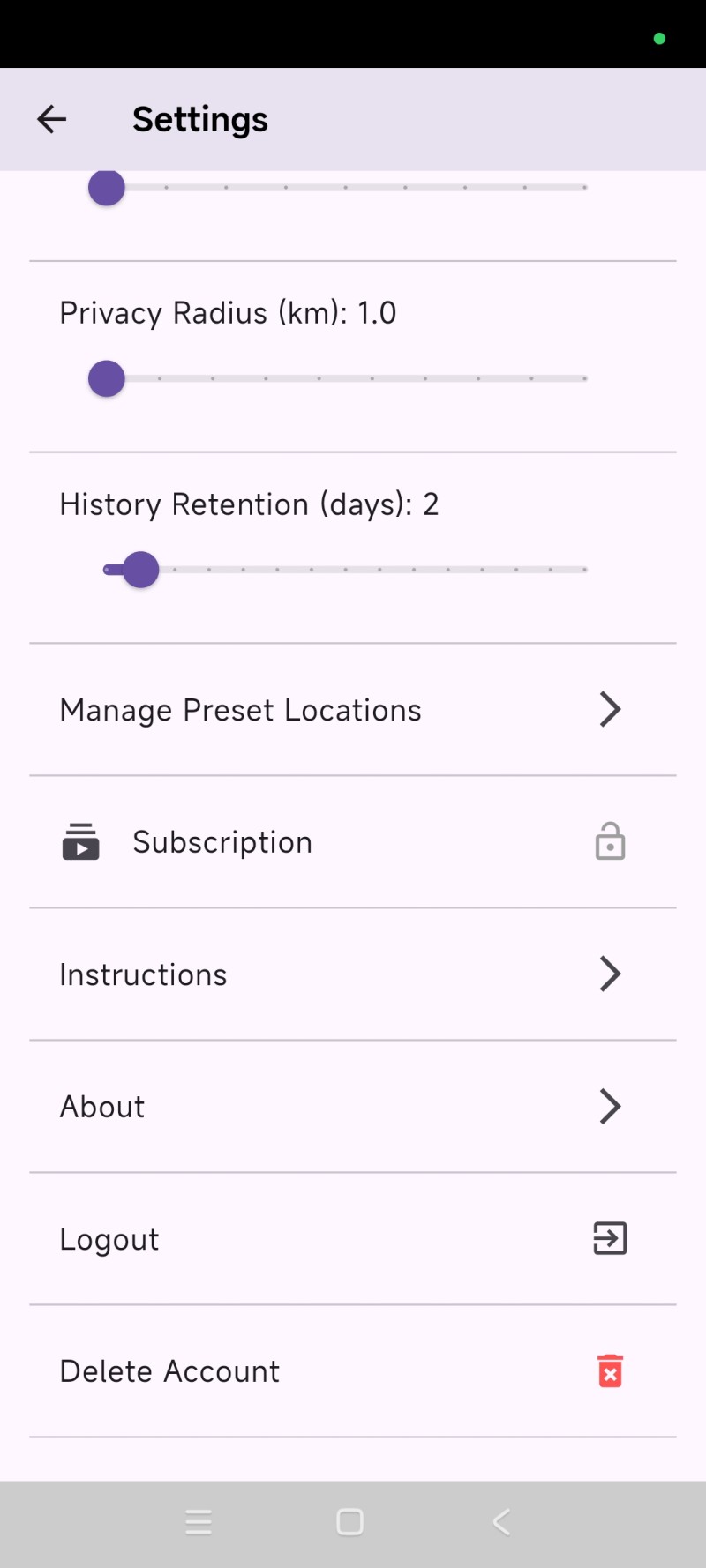
Users can delete personal data through in-app settings. If support is needed, users may contact info@cmetech.ca from their registered email address for identity verification.
When enabled, cMe can continue sharing location in the background and uses motion-aware configuration to reduce unnecessary GPS activity.
Free users can use core group sharing with limits. VIP expands group capacity, preset address count, location accuracy options, and history access.
The app explains why location and background permissions are needed, and users can manage sharing controls in settings and group management.